What keeps people and agents apart
Every person signs in to their own agents, files, accounts and board. This is what keeps them apart, and what running a deck for other people takes.
Agents stay in their own files
Every process agent runs as the deck's OS user, so paths are checked by real path against its folder, workspace, its owner's VFS and shared folders. .env is out of reach. Containment, not an OS sandbox.
Non-admins' agents don't run code
The tools that run code or drive the host are refused and hidden, and web tools take public addresses only. Hosted apps and host folders are admin-only; static sites stay open to everyone.
Team keys stay put
Masked for non-admins everywhere, and sent only to the provider's own endpoint or one your published team sets route it through. Variables that would load code or reroute calls stay pinned.
Their own AI keys
Someone who brings their own Anthropic, OpenAI, Gemini, OpenRouter or xAI key runs with no daily limits, and their existing agents follow. On by default; an admin can turn it off for the deck.
Coding workers, by approval
Crew is off for non-admins until an admin ticks it per person, and approving someone trusts them with the server. A worker on a team tier never sees the key: it gets one good for its current turn. A worker never pushes.
Every route knows who is calling
Agent proxies refuse anyone but the owner. Code, Hosting, Basna, Vatra and peer routes take the owner from Flight Deck's own spawn records, never from a request body. Provider keys never reach the browser.
A Host and Origin guard
On every HTTP and WebSocket route — closing DNS rebinding and "any web page you visit can drive your local deck". CORS is no longer *.
Per-user Google and Microsoft
Each teammate connects their own account. An agent only ever gets its owner's token, resolved from Flight Deck's records. Pollers, Drive mounts and sends follow.
Users, invitations, a waitlist
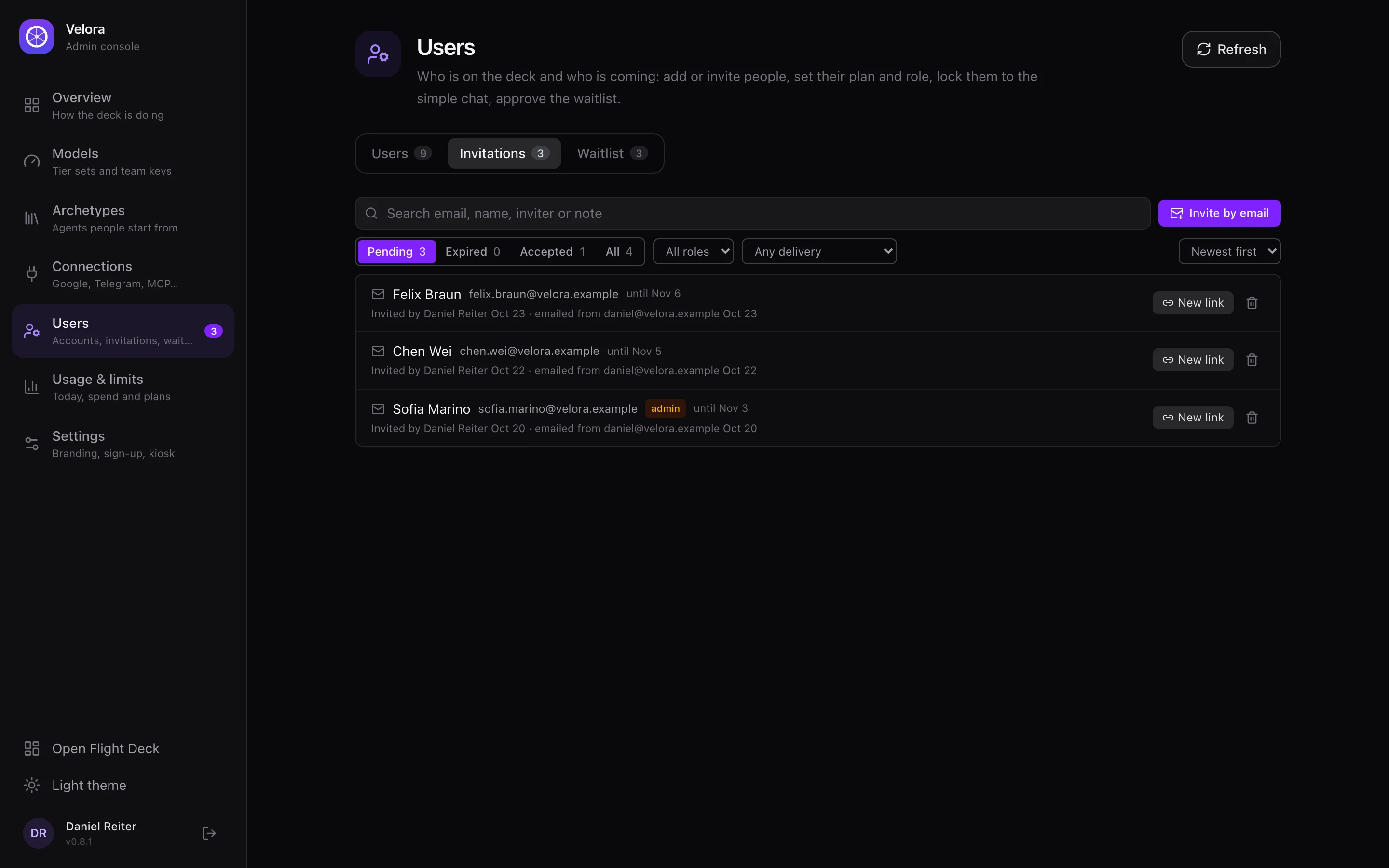
Registration closes after the first admin. Invite people by email from your own Gmail or Outlook — they pick their own password — or let them join a waitlist that emails them when you approve. Admins administer any user's agents, each action logged, and see each person's last login and tokens used.
Team tier sets with team keys
An admin publishes a tier set; teammates without models run on it. Keys are shared server-side, agents missing a key get it and restart, and a spawn nothing can key is refused instead of producing a dead agent.
Shared agents
One agent, several people, each in private conversations. A member's turn uses the member's own Google, deep memory and files; the agent's datastore and saved/ are a commons with creators shown; anyone can publish a context pack to everyone on the agent.
An owner profile in every prompt
Each user's About me, Company and Preferences — plus deck-wide defaults from the admin — reach every agent they own on every turn, with no restart.
Connections, one tab per service
Google, Microsoft, ChatGPT, Antigravity, MCP Servers, WhatsApp, Telegram, Soniox, Deep memory, Jev — with status dots. MCP servers are private to whoever added them; an admin can share one deck-wide. OAuth MCP servers sign in with Dynamic Client Registration.
The Admin console
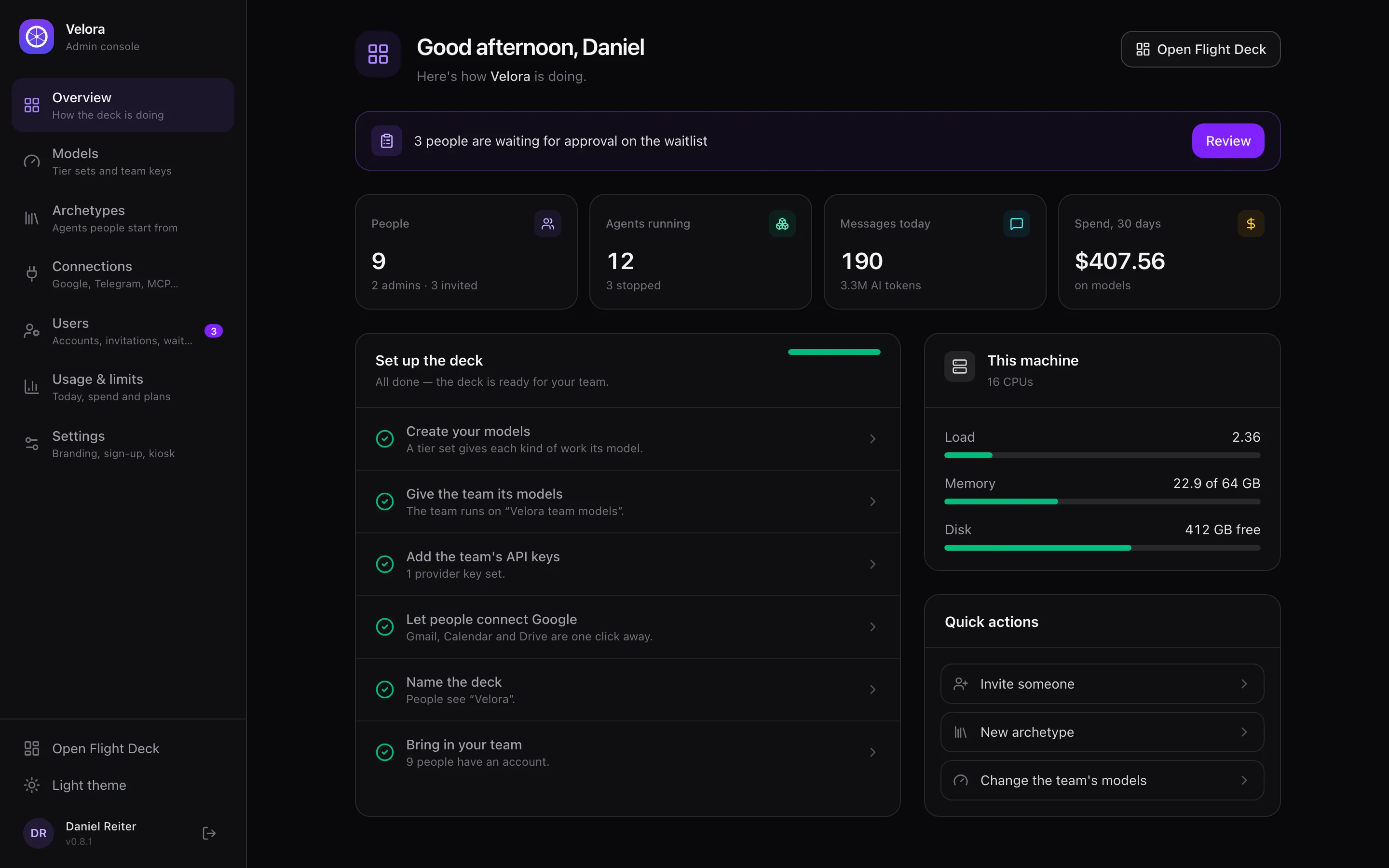
A layout of its own for setting the deck up and looking after it — admins start there. Every page has an address, <deck>/console/<page>:
Daily plan limits
Free, premium and enterprise plans with messages and AI tokens per day — counted on every channel, prompt-cache reads excluded. The kiosk shows the allowance; admins grant free resets. Plus your deck's own name, logo and sign-in page.