Devices M5Stack StopWatch · PaperColor · StickS3 · Waveshare ePaper
Talk to your agents. They talk back.
Press, speak, done. The answer is spoken sentence by sentence while it's still being written, the text following the voice. Offline, it keeps voice notes and sends them when the deck is back.
One turn, end to end
Press and talk
Press once, talk, press again. On the StickS3 and the PaperColor 2.5 seconds of quiet also sends it; on the StopWatch and the Waveshare board only a press or a tap ends a recording, however long you pause. A blip starts the recording and a lower one ends it. On the PaperColor a press from sleep starts recording at once, while Wi-Fi and the deck connect.
Flight Deck transcribes, your agent works
Audio streams to /device/ws, Soniox turns it into text, and the agent you picked takes the turn with all its tools — plus the device's readings (battery, Wi-Fi, how it's held, the room's temperature and humidity, the local time) as a [Context: …] line, never as your words.
Watch it think
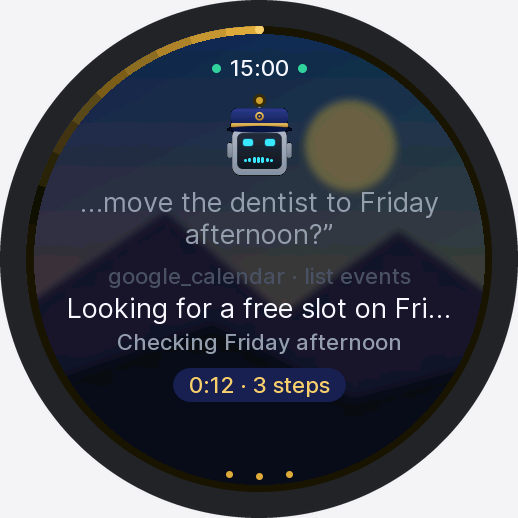
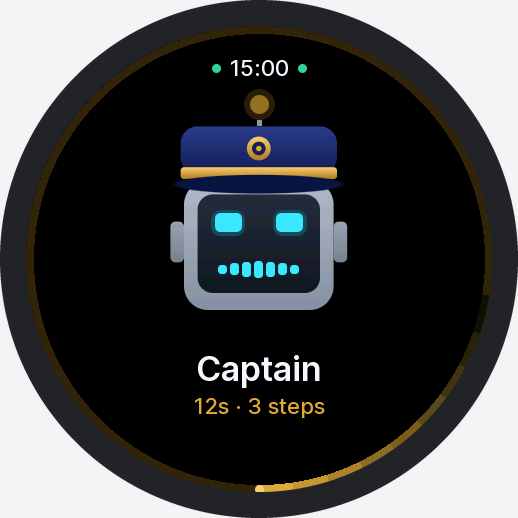
The working screen shows what the agent is doing right now — "google_calendar · list events", "0:12 · 3 steps" — with a tick on the ring per tool step and a stop button that ends the turn after the current step.
Hear it as it's written
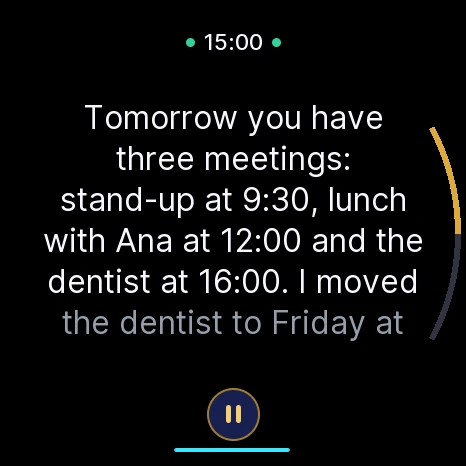
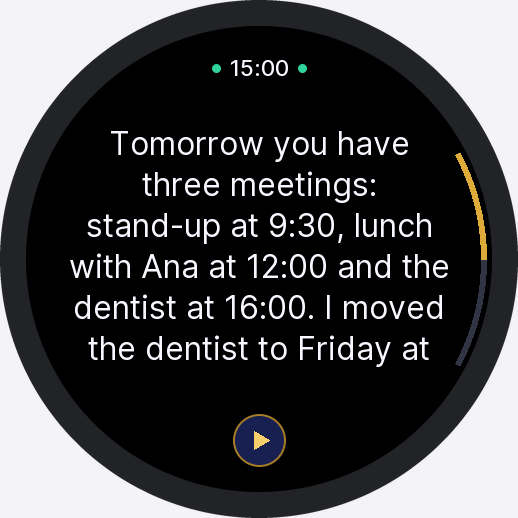
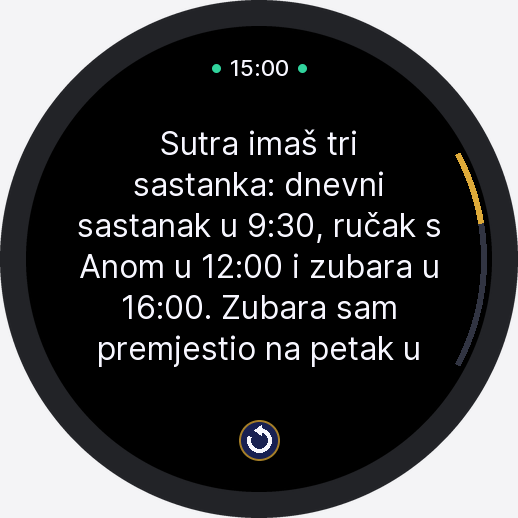
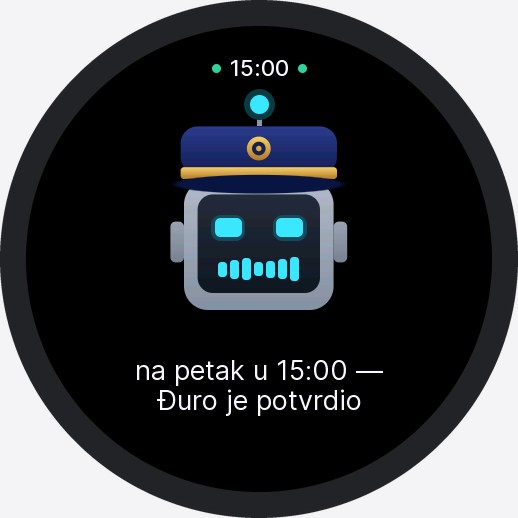
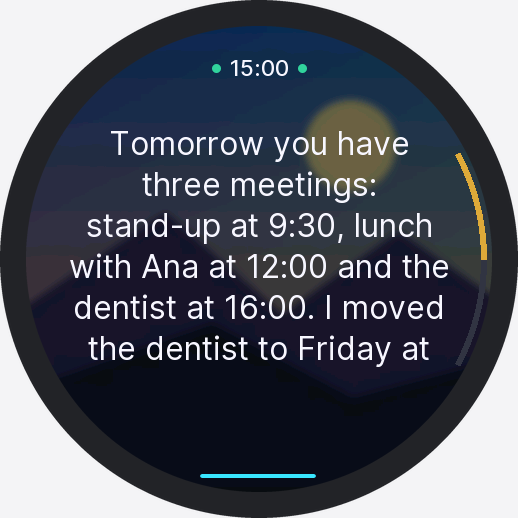
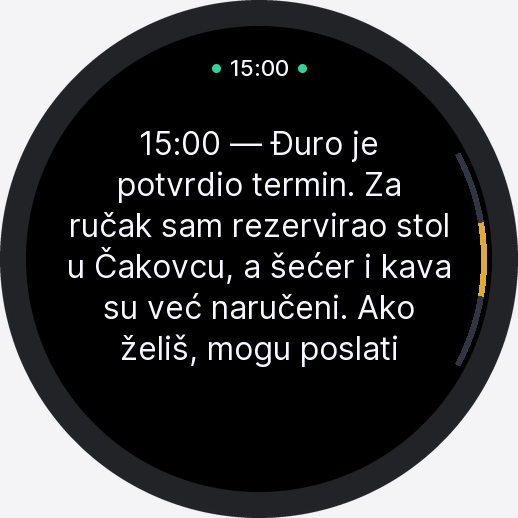
The deck forwards the model's text as it streams. Each finished sentence is shown and spoken while the rest is still being written, so the first words come early. On the watch the sentence being read is lit and the pages turn with the voice; pause, play and replay sit under the text. The voice plays through a ring, and the device asks the deck to wait when it falls behind. The deck speaks up to about 1,500 characters and shows the rest.
Firmware in firmware/device/, server at /device/ws. The deck needs a Soniox key for speech in and voice out — yours, or a team key an admin shares.
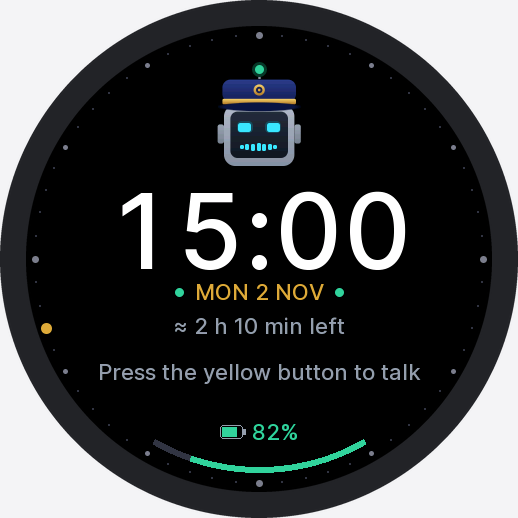


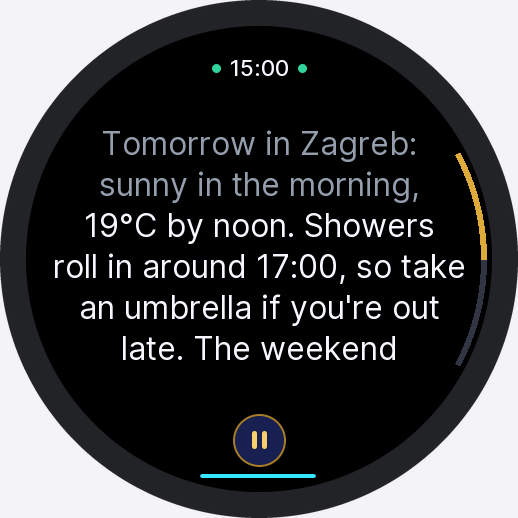
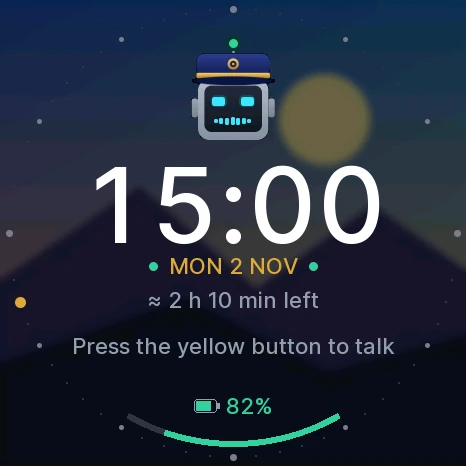
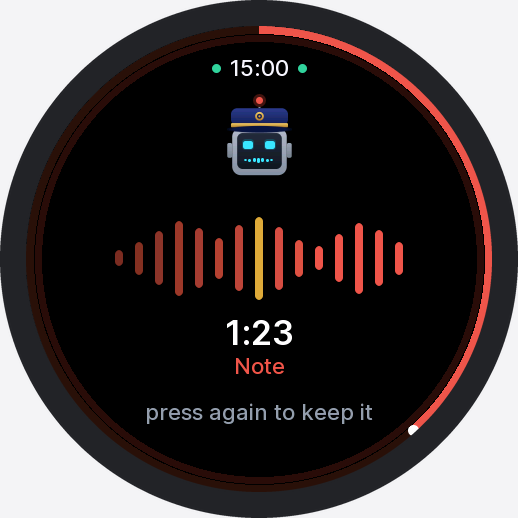
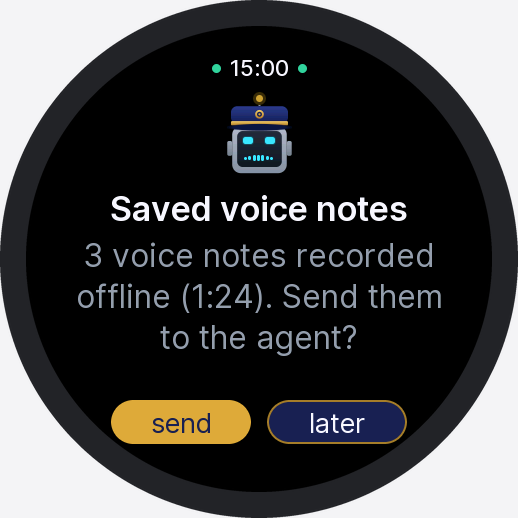
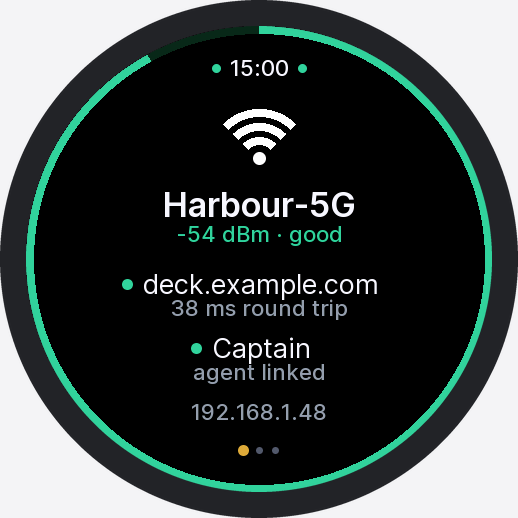
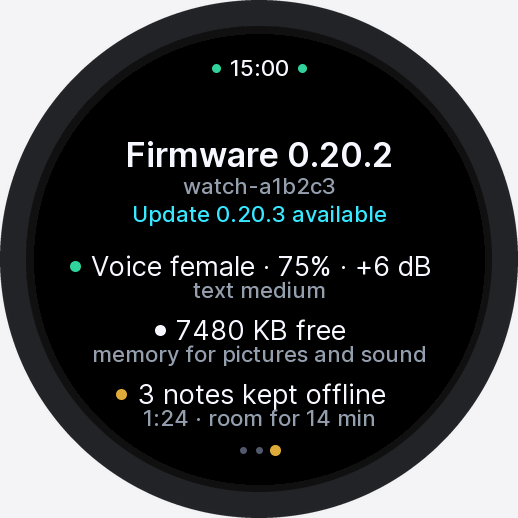
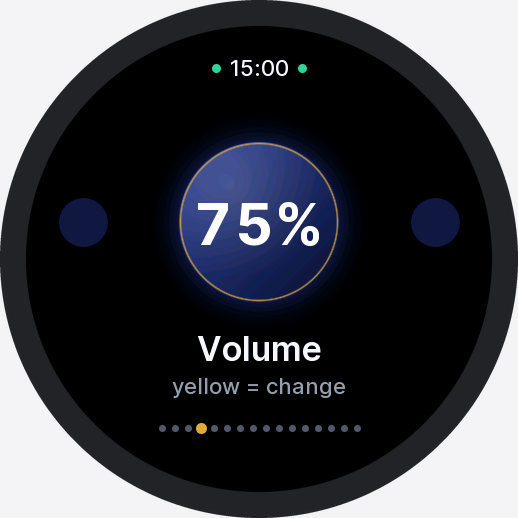
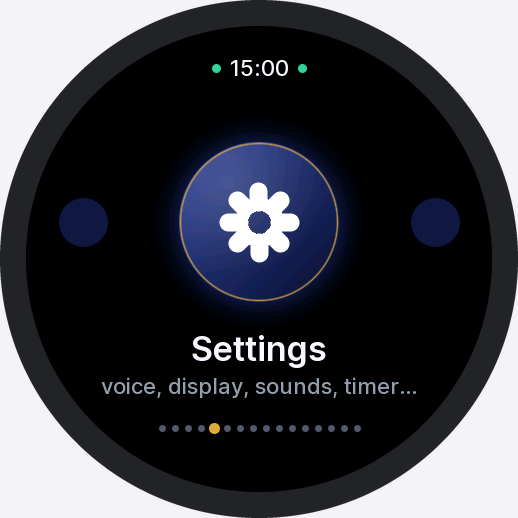
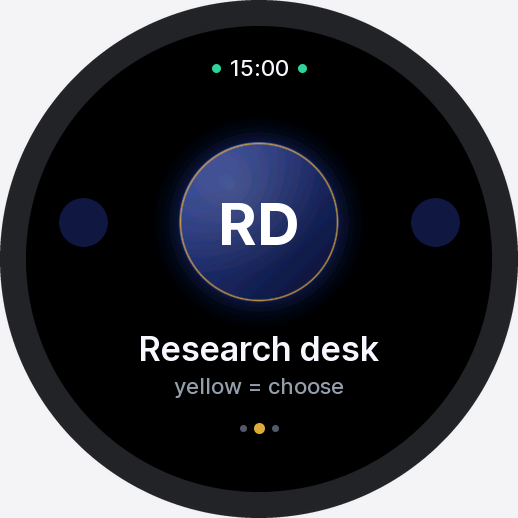
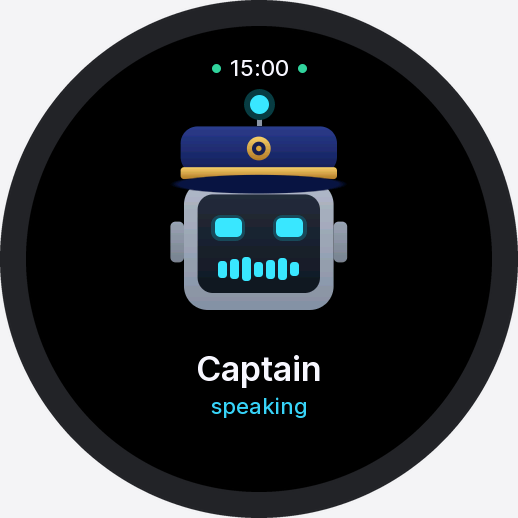
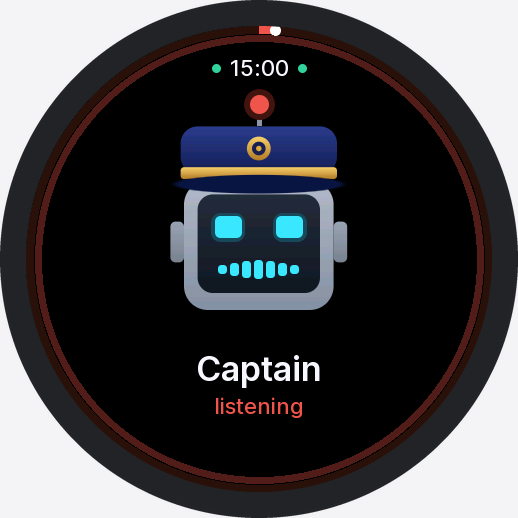
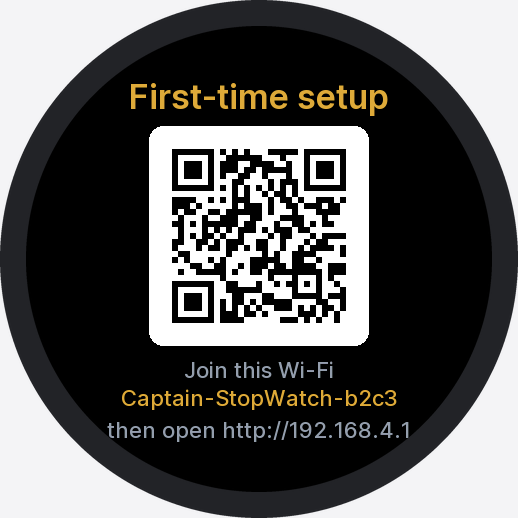
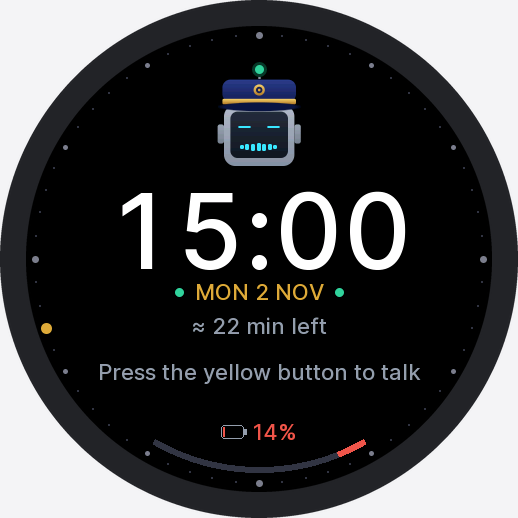
StopWatch screens, rendered by the firmware's own Mac preview build.
A stick for the pocket, a watch for the wrist, two papers for the desk
One source tree builds them all, and every one takes signed updates from your own deck.
"…move the dentist to Friday afternoon?"
0:12
3 steps
google_calendar · list events
Looking for a free slot …
A colour e-paper that lets the lights do the talking
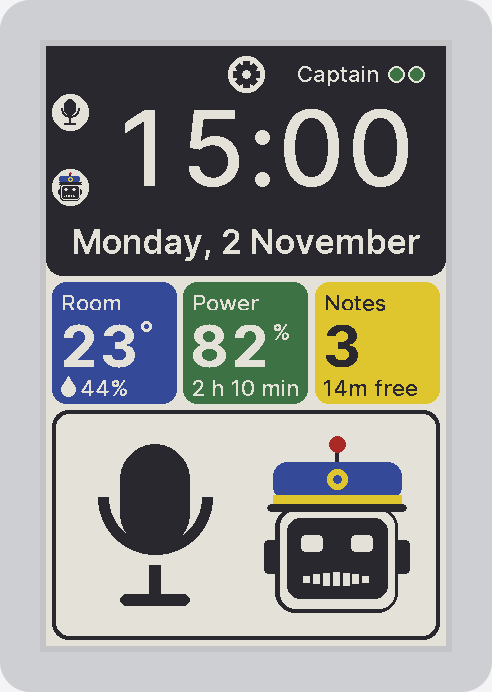
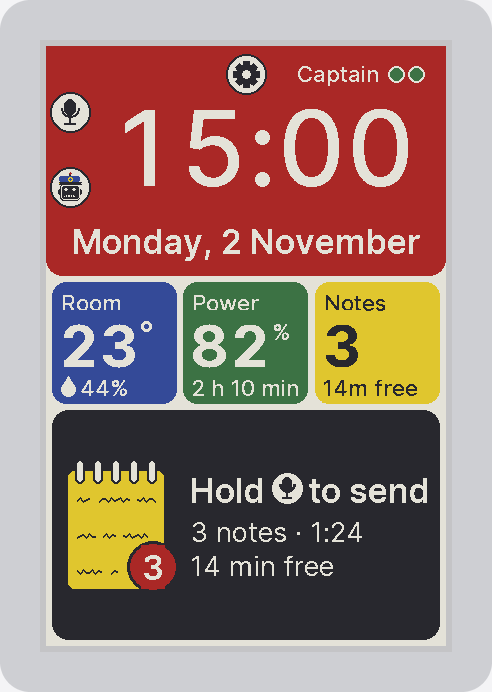
A Spectra 6 panel takes 15–30 seconds to redraw, so the PaperColor is voice-first. Its two status lights carry the turn — red while it records, a blink per agent step, green with the voice, and which side is down when it's offline — and the paper is a dashboard you glance at. It goes all white once an hour, so the six inks stay clean.
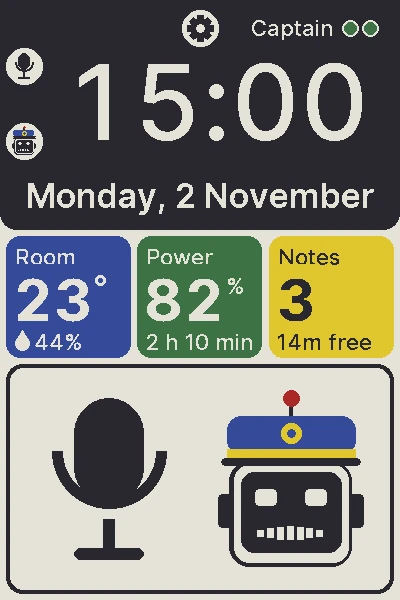
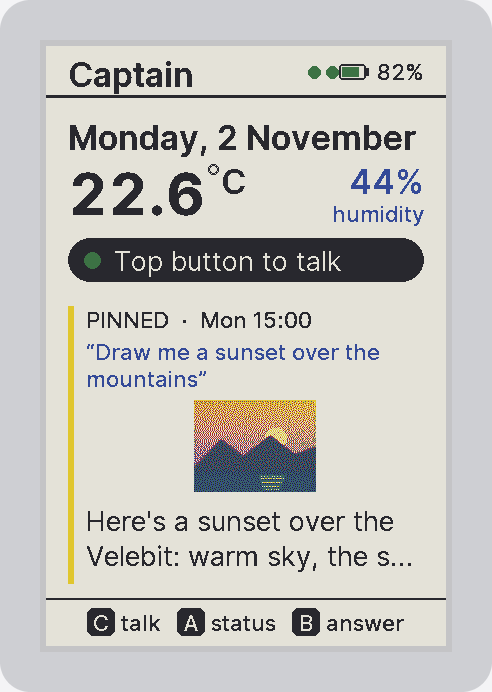
The dashboard, every five minutes — clock, date, room temperature and humidity, battery with time left, voice notes waiting and room left, the Wi-Fi and agent dots, and a big tile with the mic and Captain. In blocks of colour since 0.8.5, with the links on the options screen. Awake or asleep.
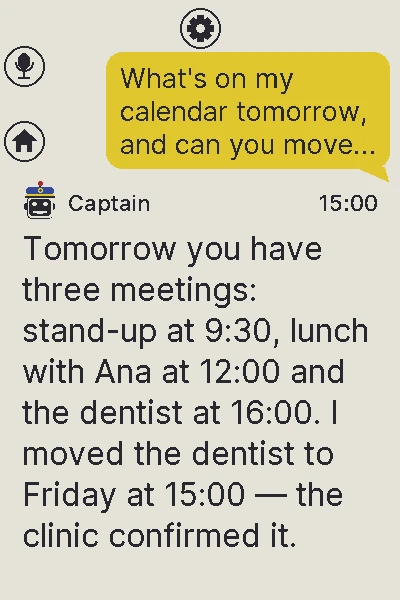
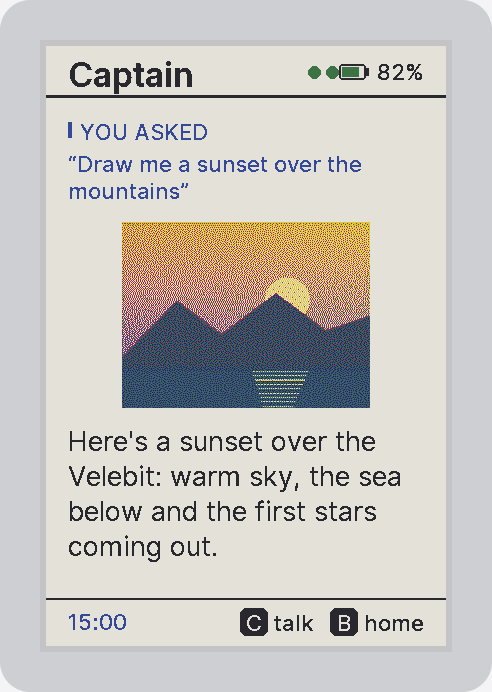
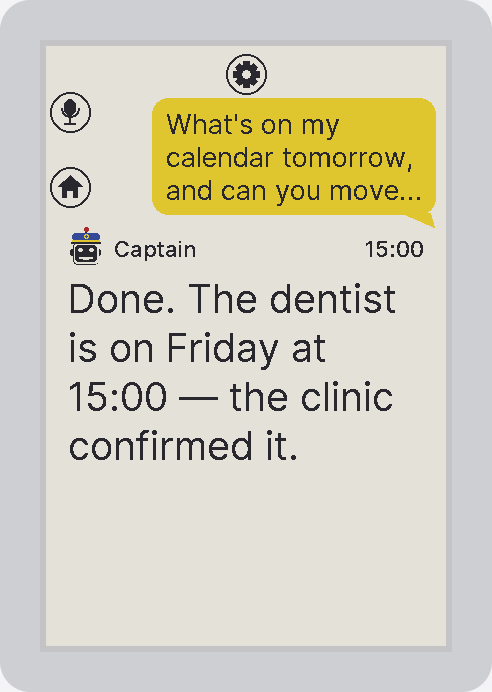
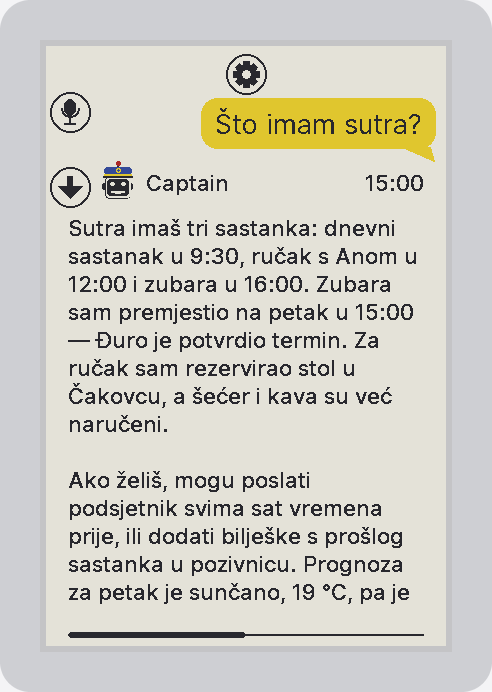
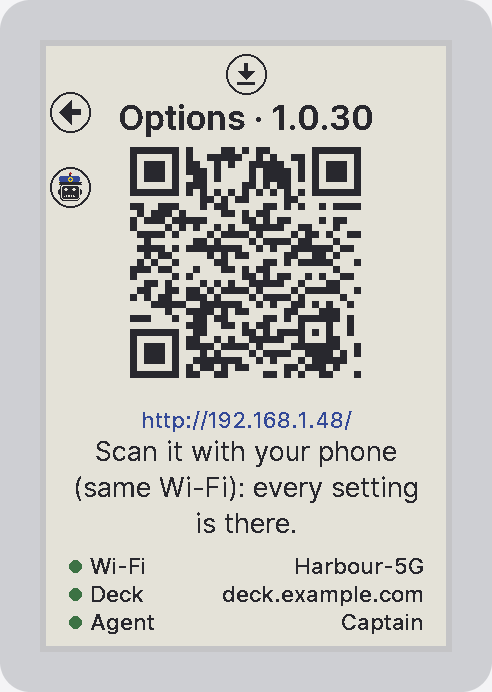
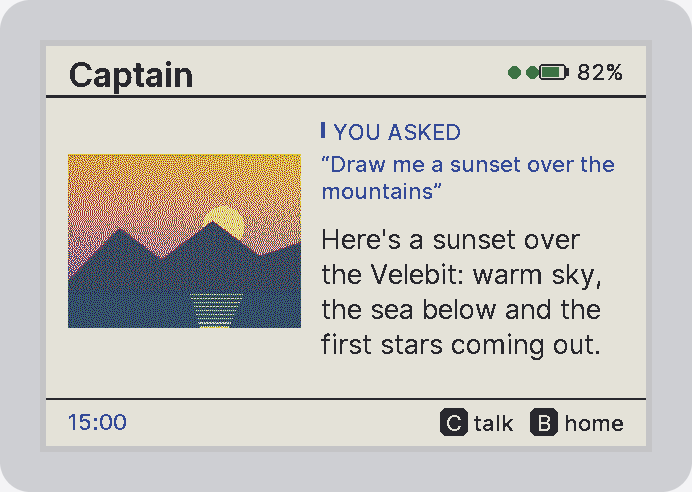
A talks, B shows the answer, C the options — the last answer at the largest of four sizes that fits it on one page; the options page is a QR code for every setting on your phone.
Notes on a microSD card, put in or taken out while it's awake — and only the files it named are ever read or removed.
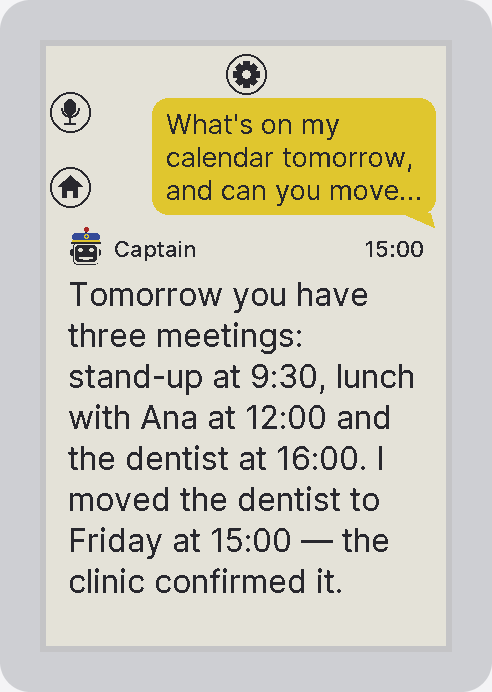

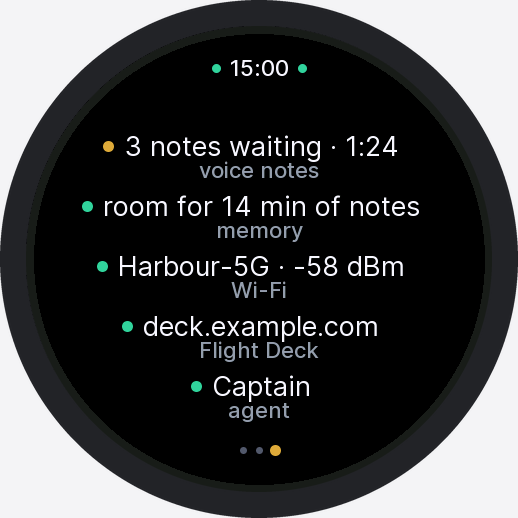
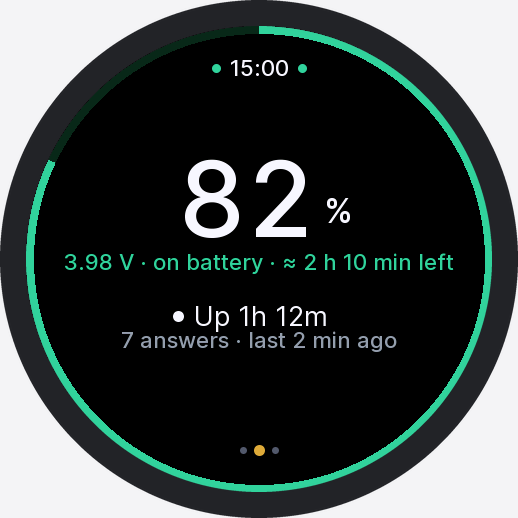
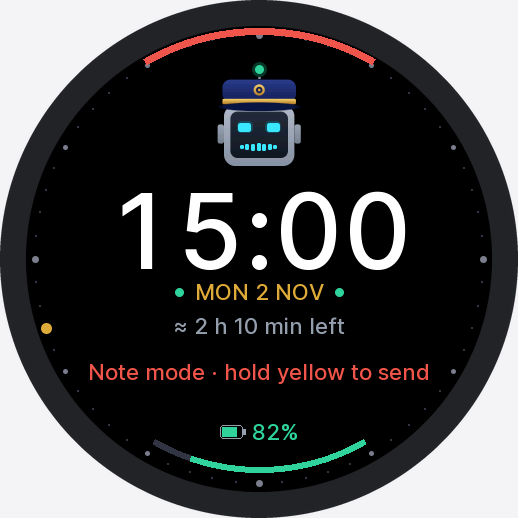
A watch you can live with
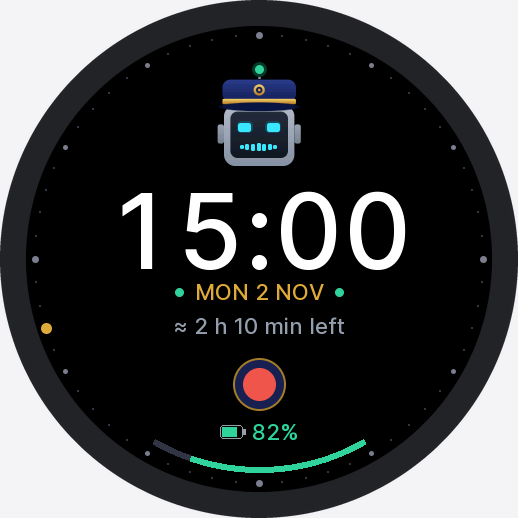
Idle, it is a clock face with Captain above the time, alive and blinking, on a dial with the seconds going round in gold. Raise your wrist to wake it.
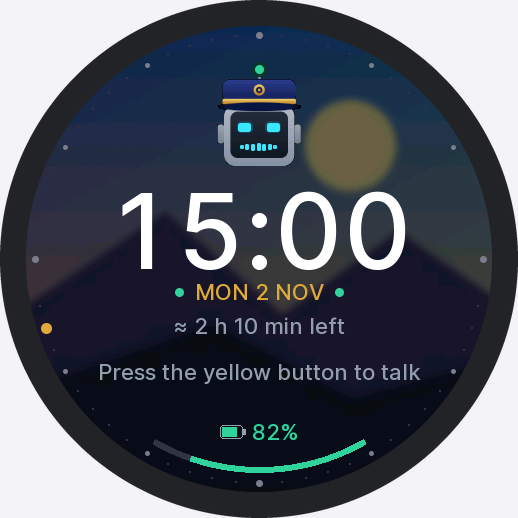
Send the agent a picture and say "make this my watch background" — the watch_background
tool crops it to the circle and every screen is drawn on it, frosted.
Swipe between the picture, the clock and an info page; touch in every picker; a small vocabulary of haptic ticks; screens that slide and fade; a working ring that breathes. And underneath, the fixes that make it usable all day: smooth playback, a panel that really sleeps, a turn that holds through a dropped link.
A small paper that's quick, and sleeps with a clock
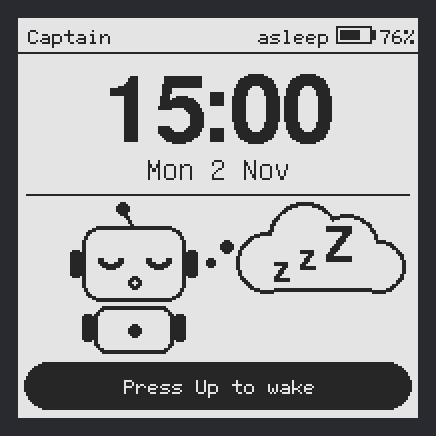
A 200×200 black-and-white panel on a Waveshare ESP32-S3 board, with or without touch. A partial refresh takes 0.6 seconds, fast enough for a drawn menu and answers that page with the voice.
- The upper button (the gear; the screens call it Up) talks, and only a press, or a tap on the touch board, ends a recording. PWR cancels one.
- Double-click PWR, or double-tap the touch board, to go home.
- The green LED is steady while recording, breathes while the agent works, and blinks twice when something waits.
- Asleep, it keeps the clock on a timer you pick: every minute up to every 3 hours, or never.
- V2 boards only. Flash it once over USB; updates come over the air after that.
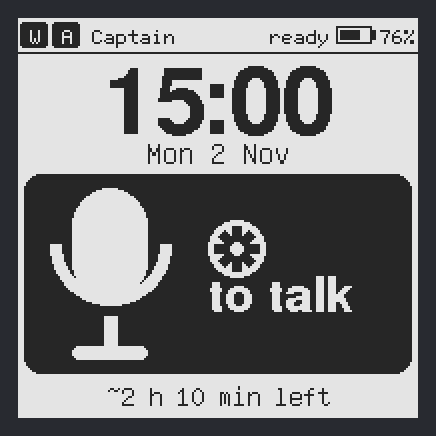
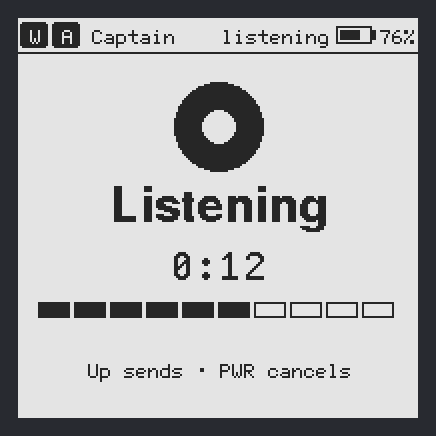
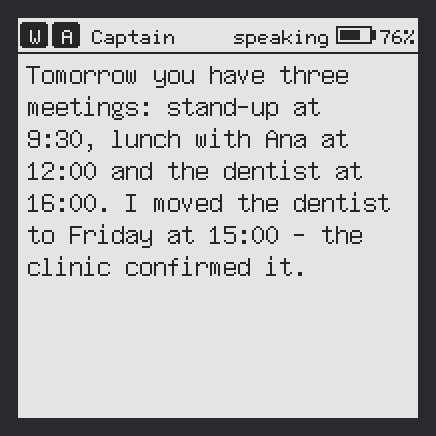
Rendered by the firmware's own Mac preview build.
Voice notes, offline
No Wi-Fi, or the deck is down? Talking keeps a voice note — about 13 minutes in the watch's flash, far more on the paper's microSD. When the deck is back the device asks (the PaperColor B doesn't need to), then sends them as one turn the agent reads in order, with when each was said.
Note-taking mode
Hold the talk button and every recording is kept as a note — written as it's recorded, no length limit, online too. Hold it again and they all go to the agent at once: a meeting, a walk, a list of ideas.
Signed updates over the air
Publish a build to Flight Deck and every device gets the offer — Menu → Software update, or by itself on USB. ECDSA P-256 signed, SHA-256 checked, and a build that can't reach the deck within 90 s rolls back on its own.
The agent knows where you are
Every question carries the battery, Wi-Fi, motion, the room's temperature and humidity and the local time. Battery time left — or until full — is learned across deep sleep and shown on the device.
"Volume up." "Beep off."
Spoken sound commands, in English or Croatian, never reach the agent: the deck catches them, the device changes and says the result at the new volume.
Made for weak Wi-Fi
A turn holds through a dropped link and the answer arrives after the reconnect. With no saved network in reach, a device is an offline note-taker within seconds. "New topic, how warm is it?" goes straight to the answer.
Captain on screen
Icon mode replaces text with Captain, the robot from the app icon, which blinks, listens, thinks and speaks with its grille, with the spoken sentence as a subtitle on the watch. Its face and lamp show the agent's state.
Pictures and sound, both ways
Agent-made images fill the round screen or are dithered into the paper's six inks; agent-made audio plays after the speech; replay the whole answer from memory, offline.
Setup from a hotspot
Scan the QR on screen, open 192.168.4.1, enter up to five Wi-Fi networks, your deck address and an access token. Later, every setting is on your phone behind a one-time QR.
Every screen on the watch



And on the paper
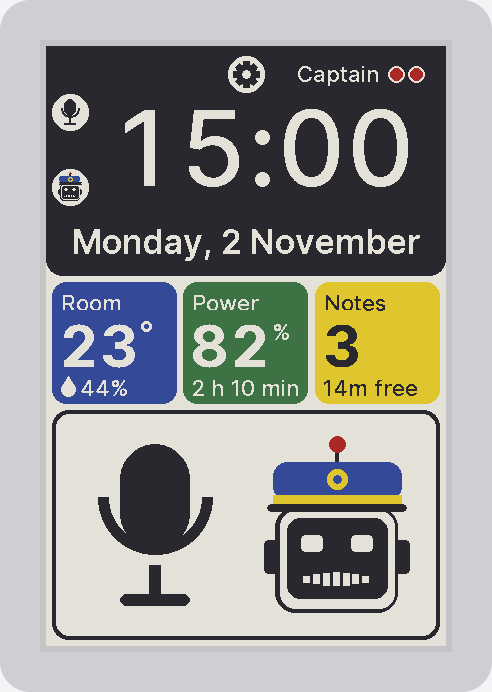
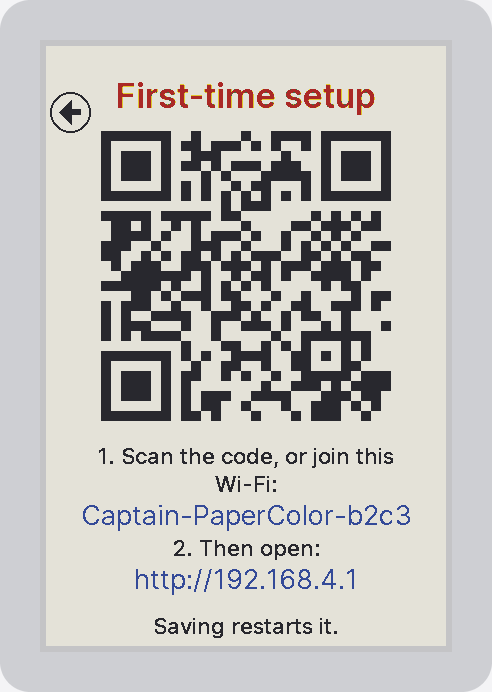
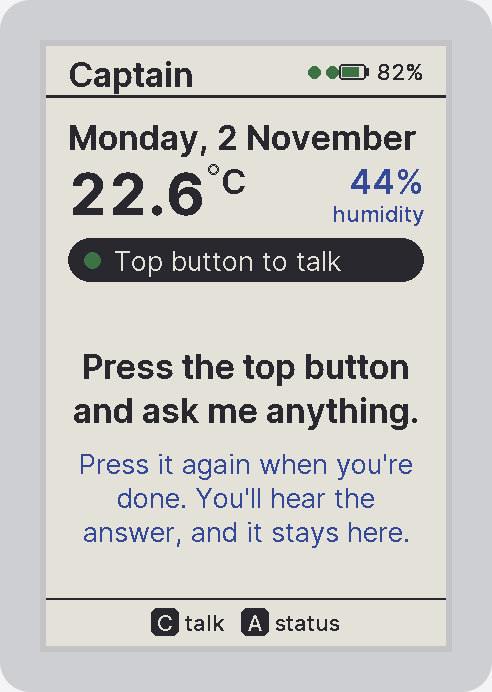
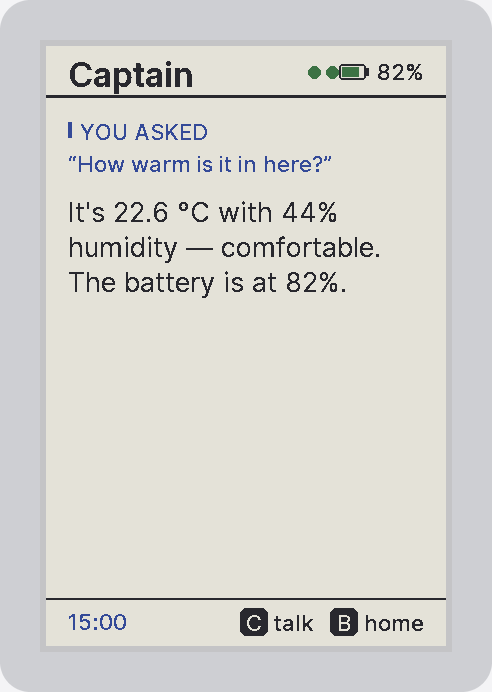
Audio up, sentences, speech and pictures down
The device holds one WebSocket to Flight Deck. It streams PCM while you talk (or uploads its kept notes); the bridge transcribes with Soniox, runs the turn on your agent, and streams back the answer a sentence at a time with its speech — only the answer, never the agent's own background calls — plus pictures and the agent's activity in between.
$ uv tool install platformio
$ cd firmware/device
$ pio run -e stopwatch -t upload # or: sticks3, papercolor_b
# later, over the air — a key once, then build, sign, publish
$ python tools/publish.py keygen
$ python tools/publish.py stopwatch \
--deck https://deck.example.com --token cc_pat_… \
--notes "what changed"
# no device yet? render every screen on the Mac
$ pio run -e preview && python preview/render.py
$ pio run -e preview_paper_b && python preview/render.py paper_b
Setup, buttons and gotchas in the device docs.